Centralization pracy
- One place for projects, tasks, and decisions
- Fewer scattered arrangements across emails and files
- A clear view of current work status
- Better information flow across the team
A central place to manage processes, data, projects, and workflows across teams, WordPress, WooCommerce, and external systems.
e24 workspace brings people, tasks, data, and processes together in one environment instead of scattering them across emails, files, and disconnected tools.
The workspace can become the operational hub of a project or organization, connecting information from implementations, orders, offers, tasks, and communication so the team works from one clear view of what is happening.
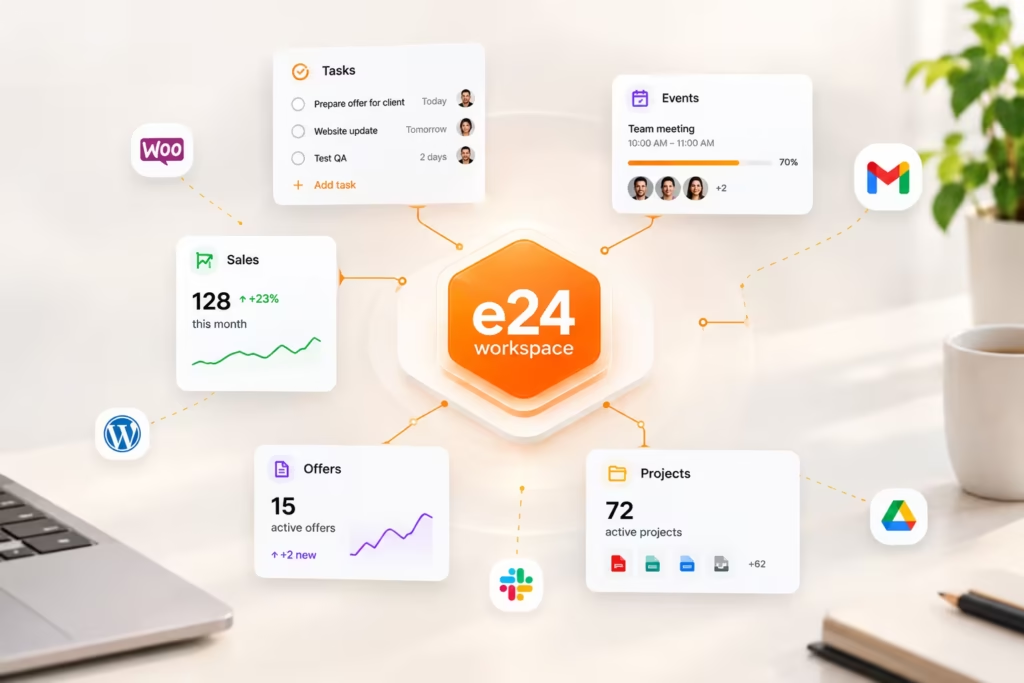
e24 workspace is designed for situations where off-the-shelf workflows are not enough. It can be developed in stages and tailored to a specific operating model: sales, project, administrative, implementation, or hybrid.
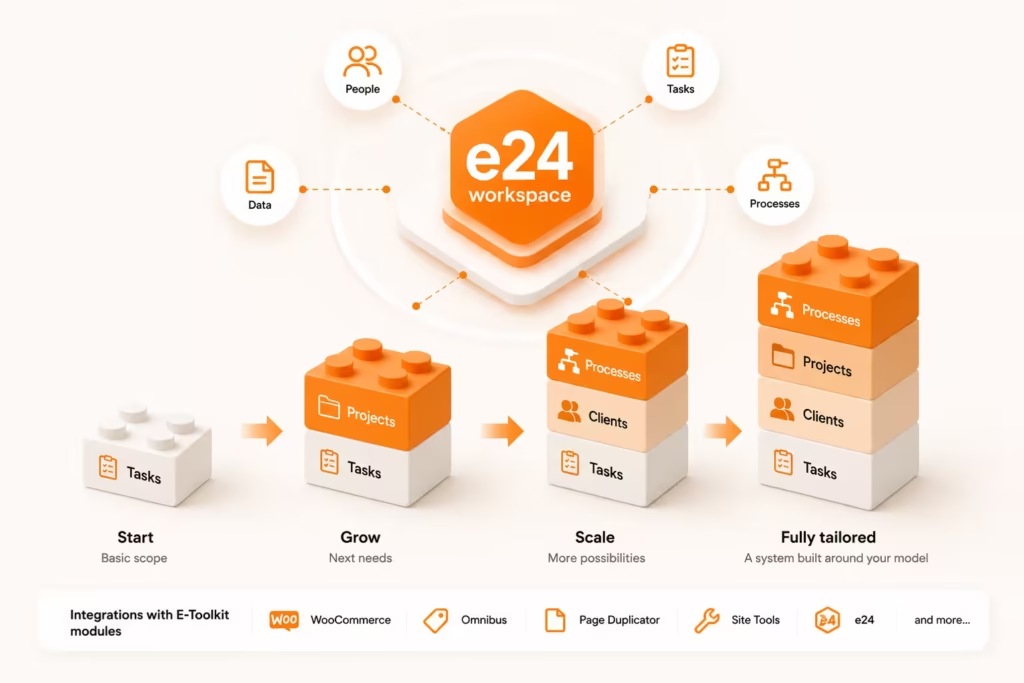
The scope depends on the implementation, but the system is designed to support internal, project, sales, and integration processes.
The system can support projects, stages, tasks, calendars, budgets, reports, clients, and permissions, giving the team one shared environment for day-to-day operations.
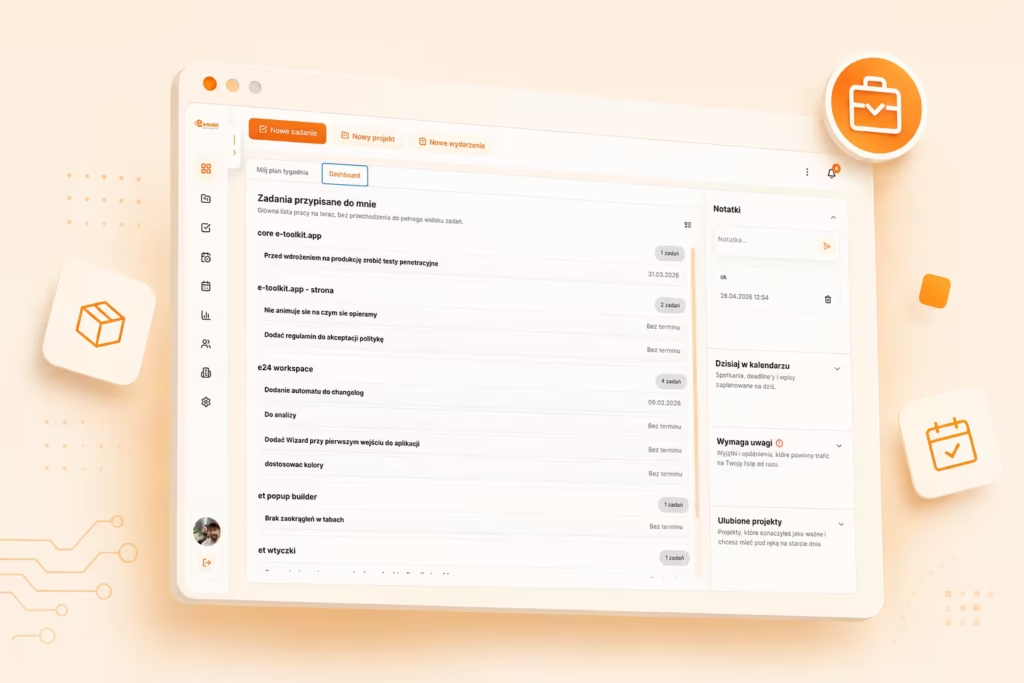
e24 workspace can connect the quotation process and data flows from WordPress, WooCommerce, and selected E-Toolkit plugins such as Offers, Product Configurator, Product Search, or other project-specific modules.
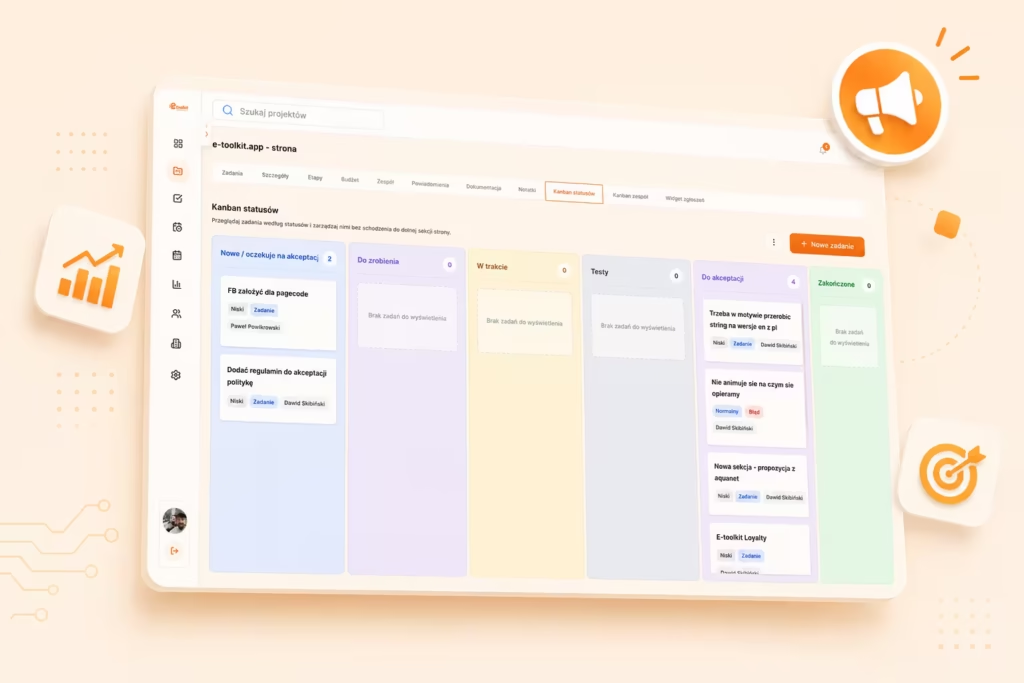
Four key areas where e24 workspace helps organize team workflows, data, and business processes.
Centralization pracy
A process tailored to your business
Control over tasks and teams
Integrations i automatyzacje
Frequently asked questions about e24 workspace use cases, implementation, and integrations.
Access to workspace data and features is connected to the user’s account and team. Users work within the workspace assigned to their organization.
e-toolkit is a set of plugins, tools, and applications for WordPress, WooCommerce, and businesses operating online. The solutions help automate everyday work, grow sales, and make it easier to manage websites, stores, and business processes.
Yes. e-toolkit plugins are built for WordPress, and some of them also extend WooCommerce functionality.
Yes. Selected e-toolkit products include a 14-day free trial, allowing you to test the solution on your website or store before making a decision.
No. Most features are designed so they can be configured without writing code. More advanced options can also be used by developers and WordPress administrators.
No. Some plugins are built specifically for WooCommerce, but e-toolkit also includes tools for regular WordPress websites and SaaS solutions that work independently from WordPress.
Yes. e-toolkit is a growing ecosystem. New tools for WordPress, WooCommerce, and business automation are planned as the platform continues to develop.
e24 Workspace is an application for organizing company and team work. It helps manage projects, tasks, and everyday collaboration in one place.
No. e24 Workspace is an independent SaaS application that works online. It does not require WordPress or WooCommerce.
e24 Workspace is designed for small and medium-sized businesses, teams, freelancers, and anyone who wants to organize projects, tasks, and everyday work more effectively.